
The Celebrio Check-In App
Scan tickets at the gate — even with no signal. Device-bound scan tokens stop QR codes from being reused on a second phone, and a 15-minute offline window means staff never wait on venue Wi-Fi.
Built for the door, not the desk
Everything event staff need to move the line forward — fast, reliable, and forgiving of bad venue Wi-Fi.
Offline-first scanning
Keep checking guests in when the venue Wi-Fi drops. Scans queue locally and sync the moment you're back online.
Fast QR scanning
Phone camera reads ticket QR codes in milliseconds. Big green / amber feedback so staff never second-guess.
Device-bound scan tokens
Every offline scan burns a single-use token tied to that specific phone — a copied QR can't be reused on a second device.
15-minute safety window
Offline scanning auto-expires after 15 minutes without a refresh, so a lost or stolen phone can't admit guests for hours.
Conflict detection on sync
When devices reconnect, the server replays queued scans and flags any duplicate with the original device, staff, and time.
Multi-staff ready
Add registration staff, check-in staff, and event managers — each gets the right permissions.
Install in under a minute
No app store, no approvals. The Check-In App installs straight from your browser.
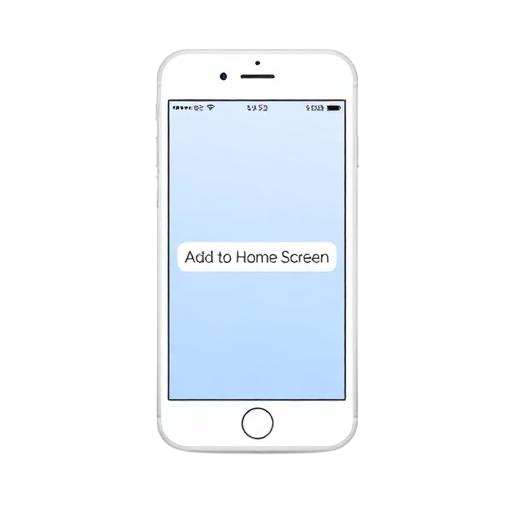
iPhone / iPad (Safari)
- Open the Check-In App in Safari.
- Tap the Share icon.
- Choose Add to Home Screen.
- Tap Add — the Celebrio icon appears.
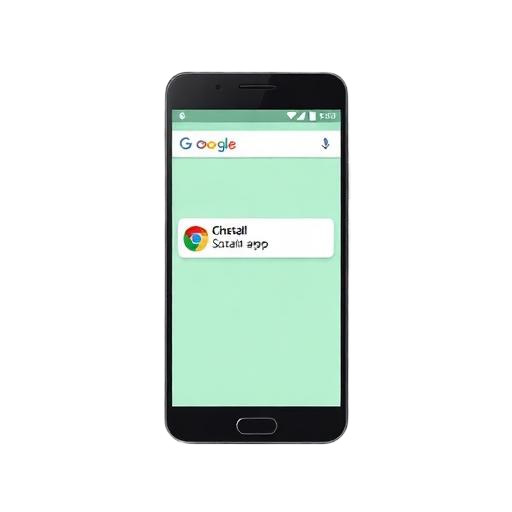
Android (Chrome)
- Open the Check-In App in Chrome.
- Tap the ⋮ menu in the top right.
- Choose Install app or Add to Home screen.
- Confirm — it launches like any other app.

Desktop (Chrome / Edge)
- Visit the Check-In App.
- Click the install icon in the address bar.
- Confirm — it opens in its own window.
- Great for badge desks with a USB webcam.
No signal? Keep scanning.
When staff are online, the app pre-issues short-lived scan tokens for the event's tickets to that specific phone. Offline scans burn a token locally and queue the check-in. The moment connectivity returns, tokens are redeemed server-side — any duplicate scan from another device is rejected with a clear conflict and the original staff, device, and time.
- Per-device tokens — a QR scanned on one offline phone can't silently pass on another.
- 15-minute TTL — stale offline caches stop working until the phone refreshes online.
- Server-authoritative sync — duplicates surface with the original device, staff, and timestamp.
Honest limit: two phones offline at the same gate can briefly admit the same guest before either reconnects. The duplicate is always caught on sync — we recommend keeping at least one device online per entrance.