

Run unforgettable corporate events — without the spreadsheets.
Agenda, speakers, sponsors, registrations, networking, and a shareable event page — all in one workspace.
Everything for your event
A complete toolkit built for conferences, summits, and company-wide gatherings.
Agenda Builder
Plan multi-day conferences with parallel tracks, breaks, and sessions.

Speakers & Sessions
Manage your speaker lineup, bios, photos, and session details.
Registrations & Tickets
Sell tickets, collect RSVPs, and manage attendee data at scale.
Sponsors
Showcase sponsors with tiered packages, logos, and visibility.
Exhibitors
Run trade show booths with directory listings and booth assignments.

Networking
Help attendees connect before, during, and after the event.

Venue & Rooms
Map your venue, manage rooms, capacities, and room assignments.
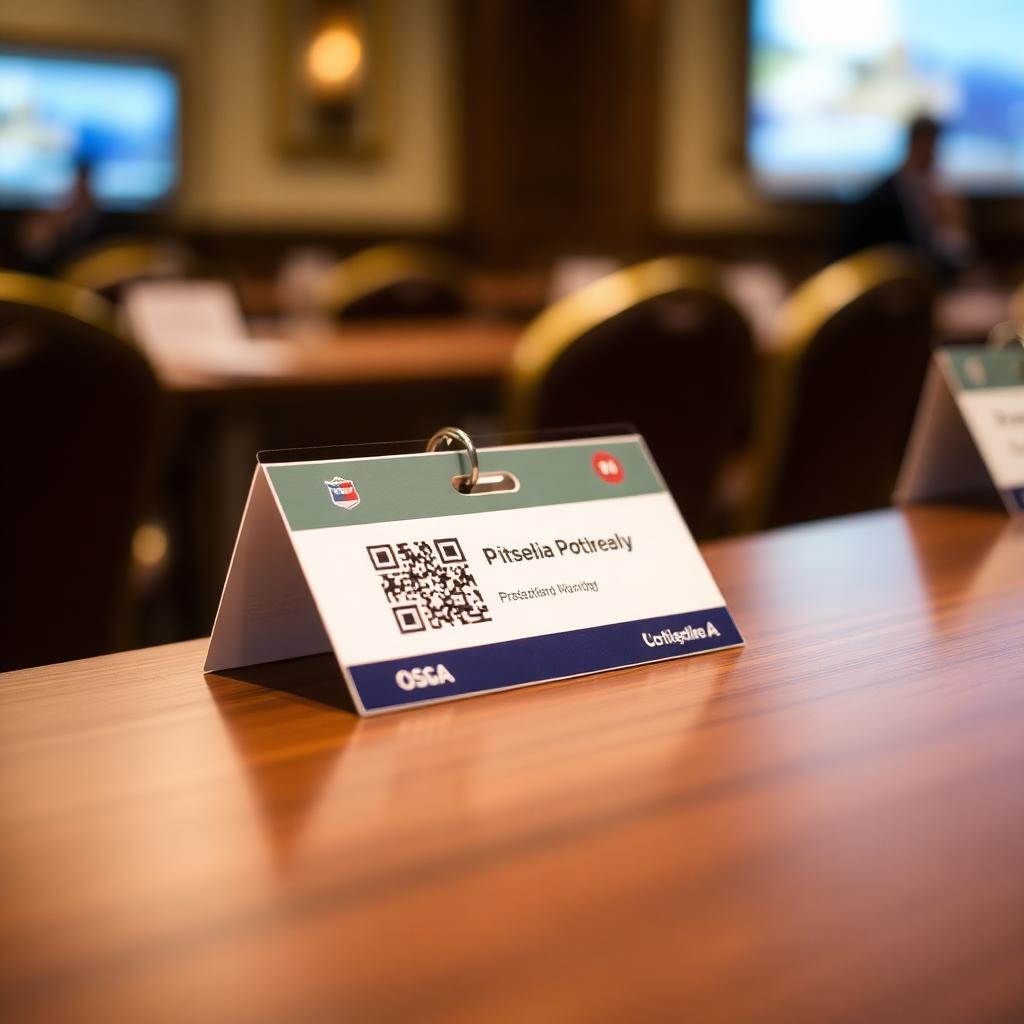
Digital Badges
Generate printable name badges with attendee-specific QR codes.

QR Check-In
Fast event and session check-in with QR scanning and live counts.

Certificates
Bulk-issue printable certificates for attendees and speakers.

Live Polls
Run real-time polls to keep your audience engaged during sessions.

Audience Q&A
Collect, moderate, and answer questions live from the audience.

Lead Capture
Let exhibitors and staff capture leads and export them as CSV.
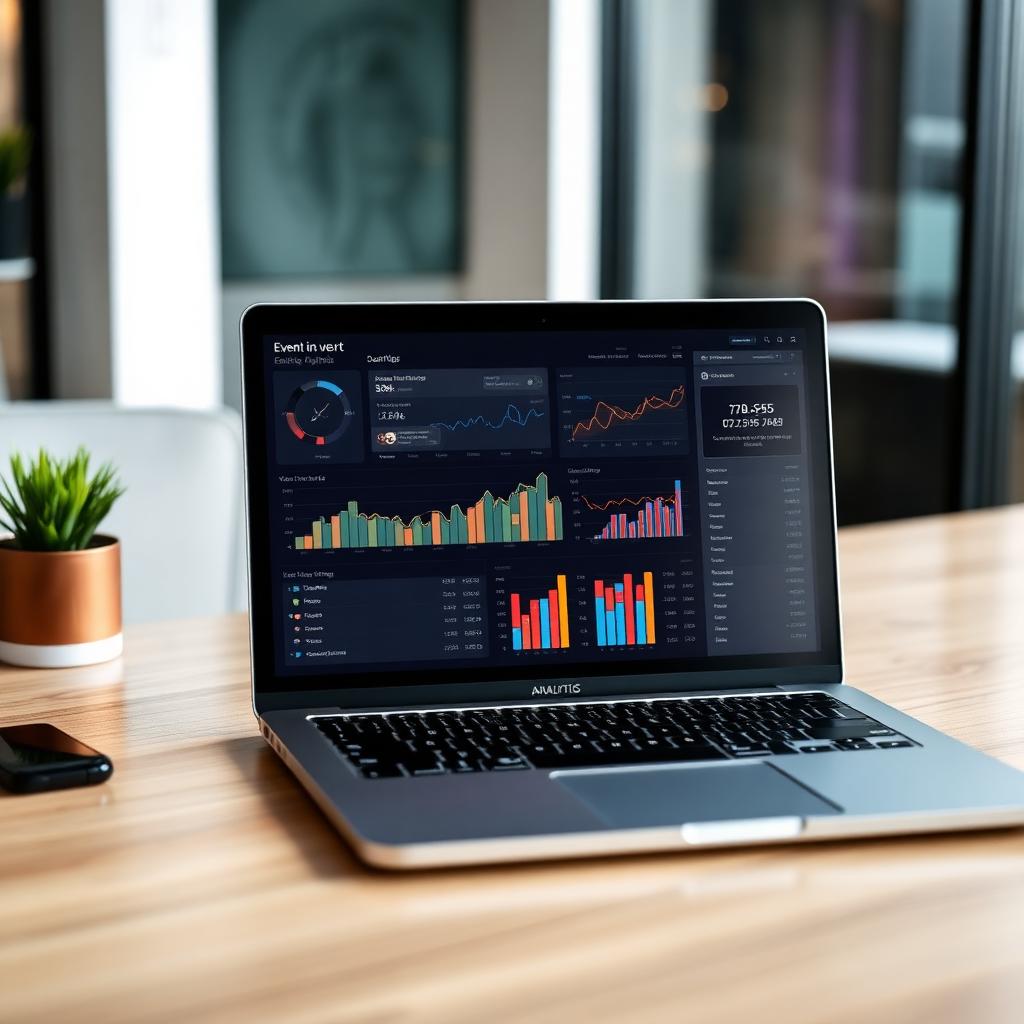
Revenue & Analytics
Track ticket sales, sponsor revenue, and event analytics in one place.

AI Conference Assistant
Draft emails, agendas, and announcements with an event-aware AI.

Team & Roles
Invite teammates with role-based access for your event staff.
From kickoff to closing keynote
A simple 4-phase workflow your team can follow to plan, promote, run, and review your corporate event.
1. Set up
Create your event and define the essentials.
- Create the event and mark it as corporate
- Add venue, rooms, and capacities
- Invite your team with role-based access
2. Build the program
Shape the agenda and confirm your lineup.
- Draft multi-day agenda with tracks
- Add speakers, sessions, and sponsors
- Onboard exhibitors and assign booths
3. Promote & register
Open ticketing and drive sign-ups.
- Publish your public attendee page
- Sell tickets and collect RSVPs
- Send announcements with the AI assistant
4. Run & review
Operate the event day and measure results.
- Check attendees in with QR scanning
- Run live polls, Q&A, and capture leads
- Issue certificates and review analytics
Open the corporate workspace
Every tool lives inside your dashboard. Open the corporate workspace to access agenda, speakers, sponsors, registrations, and more in one place.
Use the AI assistant early
Ask the AI Conference Assistant to draft your agenda, speaker invites, and announcement emails — then refine and send.
Print badges & scan on arrival
Generate digital badges with unique QR codes, then check attendees in instantly from any phone or tablet.
Ready to plan your next event?
Jump into your corporate workspace and start building.